- Home
- Workshop Tactics
- Storyboard
Storyboard
Table of contents
What is Storyboard?
Storyboard is a card from the Workshop Tactics deck by Pip Decks.
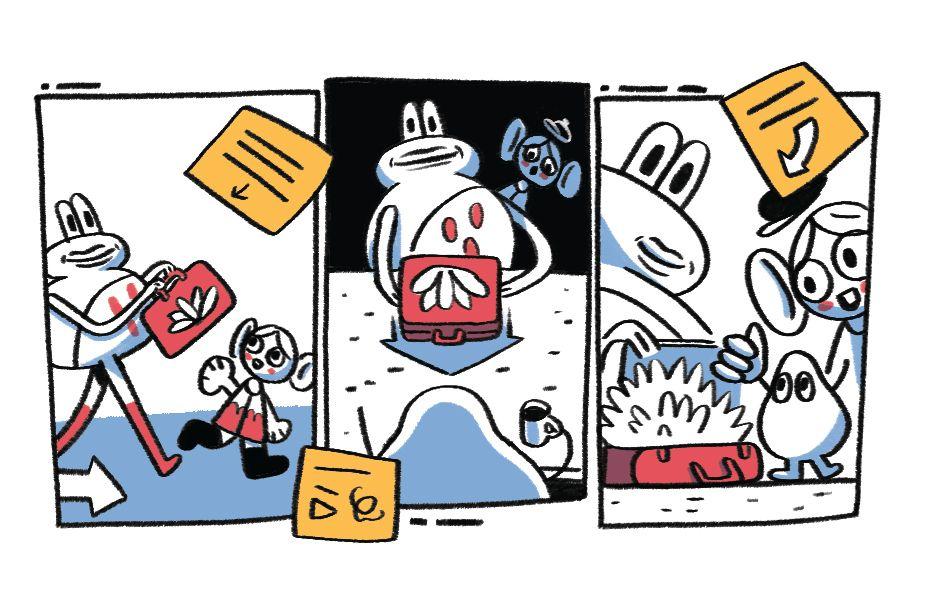
One day, a team had a cool new idea, but it was hard to explain to others, and still not entirely clear to them. So they grabbed Workshop Tactics to figure out what to do. The answer was clear: sketch a storyboard to put it in context and get everyone on the same page. This worked a treat, and they were soon ready to progress.
Get initial ideas with Idea Eight beforehand. Afterwards, try evaluating your storyboard with Idea Beetle or Rose, Thorn, Bud.
When to use Storyboard
- Difficulty explaining a new product or service concept
- Misalignment among team members on project vision
- Need to prototype user experiences quickly
- Challenges in communicating complex processes
- Desire to improve user journey understanding
- Preparation for a pitch or presentation
- Need to identify potential improvements in a product or service
How to use Storyboard
-
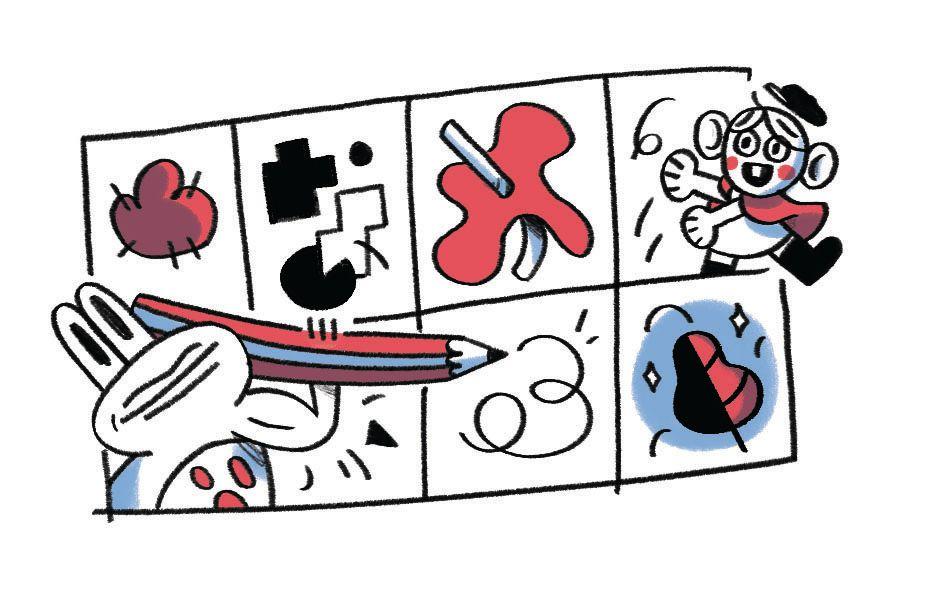
Consider the minimum amount of frames you need to communicate your idea. To do this, plot out the key steps in the user’s journey. For example: 1) open Workshop Tactics; 2) read the Workshop Strategy card; 3) pick a tactic; 4) run a successful workshop.
-
Once you have your key steps plotted out, start sketching out the scene of the first step.
Tip: if in a group, delegate someone to draw. Ask the rest of the group to articulate what should happen in each scene. It doesn’t need to be pretty; it just needs to get the point across.
-
When you’re done, write a brief description of a few words underneath each frame.
-
Evaluate your idea as a group by asking:
- Does it make sense?
- What could be improved?
- What isn’t needed?
- What’s missing?
Tip: it can be helpful to take a break and come back to these questions with fresh eyes.
-
Alternatively, you can use Rose, Thorn, Bud or Idea Beetle to evaluate your storyboard.